
01
Prepare the same context
Use a real ticket, document excerpt, or application record. Keep the input identical when comparing models.
state = ticket.textDecisionsApi · Understand the platform and the model
Decisions API is the multi-model service on this site. Jev is a decision model you can select within it. Compare their roles, test a bounded question, and see how the service and model work together in one integration.
An example decision workflow
No credits usedCustomer message
“I was charged twice this morning. Please refund the duplicate payment today.”
Jev-style questions, structured results
Choice
Billing
Route to the billing queue
Yes / no
96%
Probability of an urgent request
Score
2.8 / 3
Urgency on a 0–3 scale
Static illustration of the output format. Values are not a live model response or a measure of accuracy.
01 / Workbench
Choose a task, edit the input, define typed questions, and preview the request before you connect the same workflow to your backend.
Unlimited free use in the online playground.
02 / From comparison to a working request
The service handles access and usage; the selected model evaluates your questions. Keep those roles separate when you design your application.
Use a real ticket, document excerpt, or application record. Keep the input identical when comparing models.
state = ticket.textDefine allowed labels, a scoring scale, or a yes-or-no question before selecting the model.
questions = { route, urgent }Run the question with Jev in the playground. Inspect the answer, probability signals, and recorded usage.
model = "typesafe/jev-1.13"Use the returned signal to route a case or request review. Your code owns the permissions and next action.
if needs_review: escalate()03 / Compare on tasks that matter
Start with the outcome your product needs. The platform provides the workflow; Jev supplies the decision signal for the model you select.
Ask Jev to select billing, technical, or account support. Use the service to run the same labeled cases across supported models.
Define allowed next steps such as lookup, answer, or review. Compare invalid choices and uncertainty before connecting a result to a tool.
Put a claim next to its source and ask a focused question. Measure mistakes and review rates on clear, incomplete, and conflicting evidence.
04 / Understand the model output
Choice, Score, and Noul express different decision shapes. Choose the shape your application needs, then compare how well a model answers it.
Define candidate labels and their criteria. Use the selected answer and its probability signals for routing and classification.
Define an ordered scale for relevance, urgency, or quality. Compare scores against labeled examples instead of assuming every model uses the scale equally well.
Use a focused question to obtain a probability between zero and one. Set thresholds using observed outcomes and the cost of incorrect decisions.
Integrate the service, select the model
This example calls this site’s service with Jev selected. The endpoint and API key belong to this service; direct TypeSafe access uses its own host, credentials, and billing. This is not an OpenAI API example.
Read this service’s API docsSelect Jev in a service request
Server-side JavaScript · this site’s endpoint
const response = await fetch(
  "https://decisionapi.net/v1/systemone",
  {
    method: "POST",
    headers: {
      "Authorization": `Bearer ${DECISIONS_API_KEY}`,
      "Content-Type": "application/json"
    },
    body: JSON.stringify({
      model: "typesafe/jev-1.13",
      state: ticket,
      questions: { route: { type: "choice", criteria } }
    })
  }
);
05 / Understand the service
New users receive credits for testing, so you can create an account, load an example, review the budget, and run your first questions.
Use the same credit balance across the playground, API, and evaluation workflows. Credits from purchased packs do not expire.
Review request history and credit activity, and use request identifiers to connect API calls with their usage records.
These packs belong to this site’s Decisions API service. They are separate from direct TypeSafe or OpenAI billing.
Compare the credits used by the same workload, together with answer quality and response time. A credit pack is not a universal per-model price.
Important: Decisions API is currently in limited testing
Decisions API is not fully open yet and is currently available only for a small-scale test. Access will be enabled in payment order, and we’ll notify you by email. In the meantime, you can use Jev AI and other Decision APIs.
Starter
Validate one real workflow, from the playground to your first API call
Pro
Connect classification, routing, and safety decisions to a production product
Enterprise
For multiple workspaces, team collaboration, and custom production integrations, with 10% extra credits
Platform and model, side by side
For this site, the choice is how to access and evaluate a model. You can use Jev through the service; they occupy different parts of the same workflow.
| Dimension | Decisions API · this service | Jev · the model |
|---|---|---|
| Role | A playground and API for working with supported decision models. | TypeSafe’s System One model for bounded decisions. |
| Decision format | A state-and-questions workflow with structured answers and usage details. | Choice, Score, and Noul questions with probability signals appropriate to the question type. |
| Model selection | Select a supported model in the playground or the request’s model field. | One model family to evaluate for your task; account access determines the versions you can call. |
| Integration | Use this service’s endpoint and API key, as shown in the example above. | Direct access uses TypeSafe’s API host and credentials. A service integration uses that service’s endpoint instead. |
| Billing | Service credit packs, a shared wallet, and usage records. | Cost depends on the access provider, model version, and workload. Direct provider charges are separate from this site’s credits. |
| What to measure | Integration effort, available models, usage visibility, and the end-to-end workflow. | Decision accuracy, probability quality, latency, and cost on your own labeled cases. |
A platform is not a competing model. Compare access options separately from model quality, using the same inputs and decision criteria.
Explore the Jev model guideRecent blog posts
Product notes, technical details, and practical ways to use Jev.
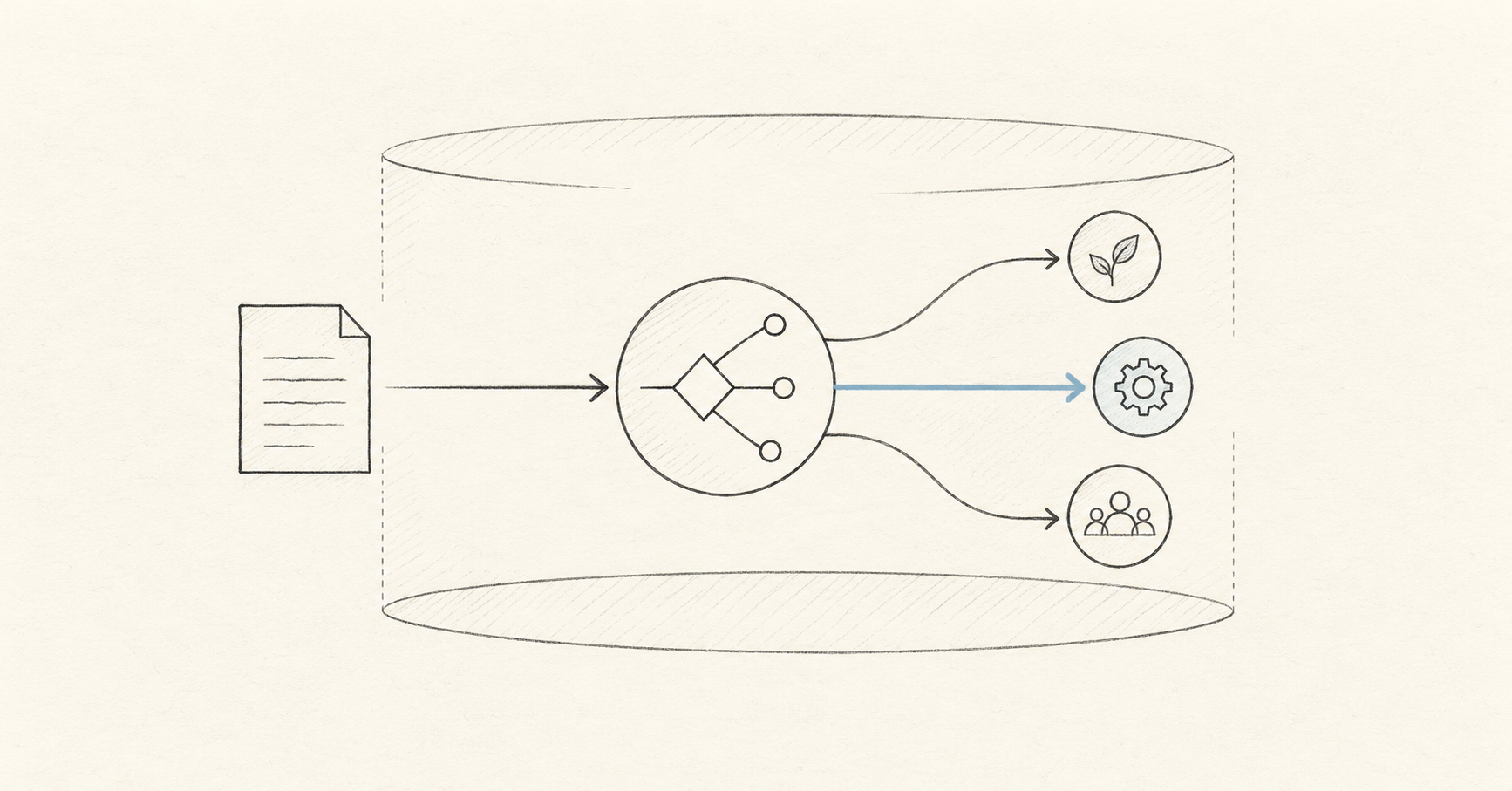
AI APIs
Compare Decisions API vs Jev: platform and model differences, typed outputs, API integration, cost evaluation, and a practical checklist for choosing your stack.
Oct 3, 2026 · 11 min read

AI Models
Understand the OpenAI Decisions API Luna model, preview status, bounded decisions, routing contracts, evaluation, and a practical path to production.
Oct 3, 2026 · 12 min read

Developer Guide
Build a decision API OpenAI workflow with typed outputs, a REST example, evaluation metrics, and production controls. Understand the different API contracts.
Oct 3, 2026 · 11 min read
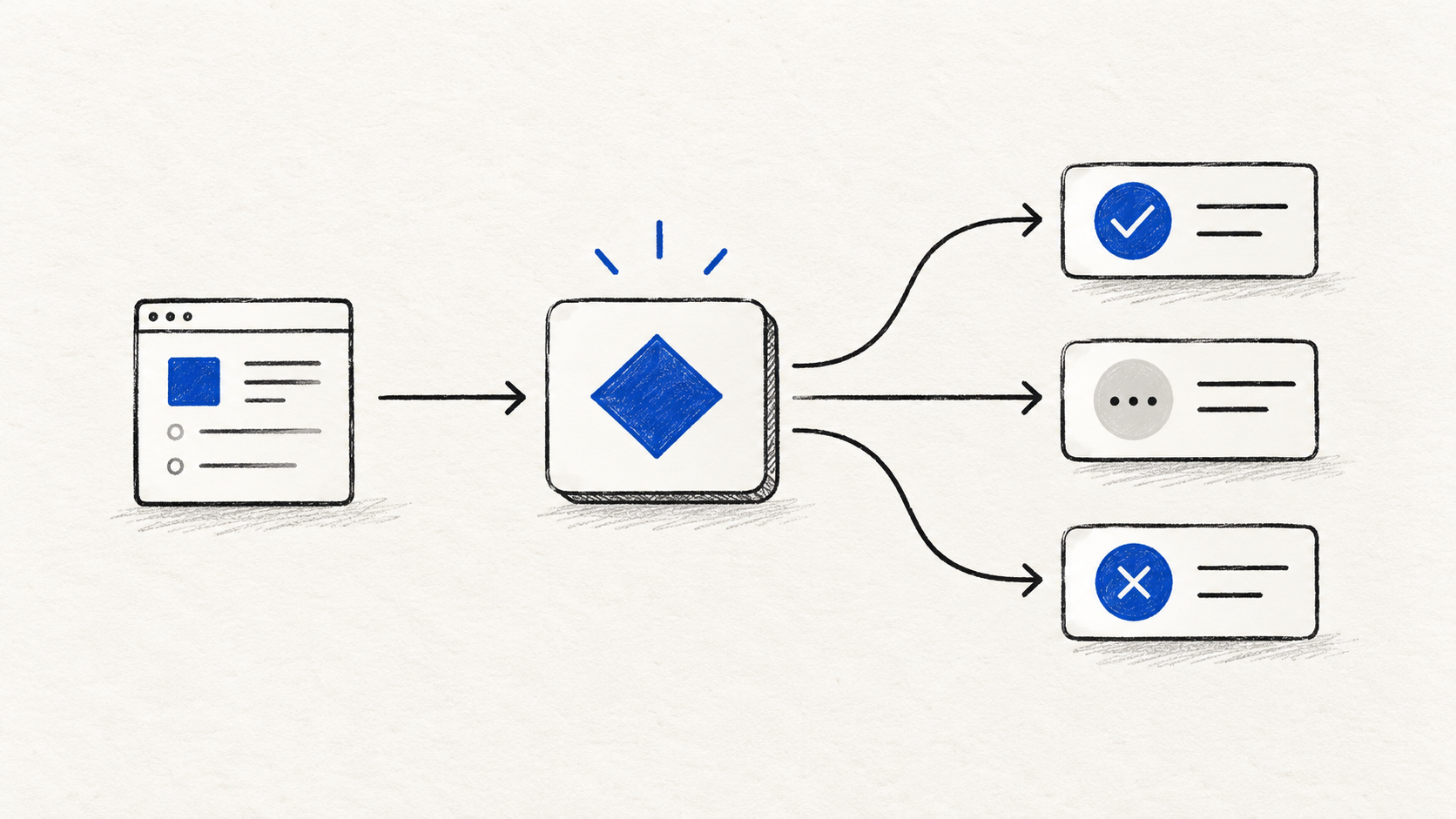
AI APIs
A practical Decisions API documentation guide with the REST request format, Choice, Score, and Noul questions, a support-routing example, and production safety patterns.
Oct 1, 2026 · 11 min read
Understand the service, the model, direct access, and what to measure before integrating.