
01
Supply context
Provide a message, policy, record, or the application state the decision actually needs.
state = ticket.textDecisionsApi · Many models. One decision workflow.
Explore decision models in one place. Compare Jev, Laya, Kev, Solar, and Span in the playground, then use one API to classify, score, and route text.
Illustrative example
No credits usedCustomer message
“I was charged twice this morning. Please refund the duplicate payment today.”
One input → structured decisions
Choice
Billing
Route to the billing queue
Yes / no
96%
Probability of an urgent request
Score
2.8 / 3
Urgency on a 0–3 scale
Static illustration of the output format. Values are not a live model response or a measure of accuracy.
01 / Workbench
Choose a task, edit the input, define typed questions, and preview the request before you connect the same workflow to your backend.
Unlimited free use in the online playground.
02 / How it works
Turn context and a bounded question into a result your code can inspect and use. The model provides the signal; your product controls the action.
Provide a message, policy, record, or the application state the decision actually needs.
state = ticket.textName the decision and its allowed answers, scale, or yes-and-no criteria.
questions = { intent, urgent }Read the typed answer, probability signals, model, usage, and request details together.
answer = result.answers.routeRoute, score, block, or request human review using the rules your application owns.
if result.urgent: escalate()03 / Start from a real task
Start with a decision your product already needs to make, then test clear and ambiguous examples before you automate the next step.
Distinguish billing, technical, account, and other issues, then pass the selected label to your support system.
Classify whether a request needs a record lookup, a language model, a tool, or human review before anything executes.
Place a claim beside a source passage and ask whether the supplied evidence supports, contradicts, or fails to establish it.
04 / Understand the output
Use a bounded question when your application needs a structured signal rather than another paragraph of generated text.
Select one label from a set you define. Use it for routing, categorization, filtering, and the next step in an agent workflow.
Measure urgency, relevance, or completeness on an ordered scale whose boundaries are explicit and testable.
Ask a focused yes-or-no question and use the returned probability with your own thresholds, rules, and review path.
Designed for developers
Move from the playground to your backend with the same state and question structure. Choose a supported model, send a server-side Bearer token, and receive structured answers with usage details.
Explore API docsPOST /v1/systemone
Server-side JavaScript · one request shape across models
const response = await fetch(
  "https://decisionapi.net/v1/systemone",
  {
    method: "POST",
    headers: {
      "Authorization": `Bearer ${DECISIONS_API_KEY}`,
      "Content-Type": "application/json"
    },
    body: JSON.stringify({
      model: "typesafe/jev-1.13",
      state: ticket,
      questions: { route: { type: "choice", criteria } }
    })
  }
);
05 / Understand the service
New users receive credits for testing, so you can create an account, load an example, review the budget, and run your first questions.
Use the same credit balance across the playground, API, and evaluation workflows. Credits from purchased packs do not expire.
Review request history and credit activity, and use request identifiers to connect API calls with their usage records.
Decisions API turns unstructured state into typed decisions with probabilities for classification, routing, scoring, and safety checks. Choose monthly, yearly, or one-time access for your usage.
One-time plans do not auto-renew or require a long-term subscription; the $10, $100, and $1,000 tiers include credits that remain available after purchase.
Important: Decisions API is currently in limited testing
Decisions API is not fully open yet and is currently available only for a small-scale test. Access will be enabled in payment order, and we’ll notify you by email. In the meantime, you can use Jev AI and other Decision APIs.
Starter
Validate one real workflow, from the playground to your first API call
Pro
Connect classification, routing, and safety decisions to a production product
Enterprise
For multiple workspaces, team collaboration, and custom production integrations, with 10% extra credits
Compare before you ship
Published benchmarks are useful background, but production choices should also reflect answer quality, uncertainty, latency, and cost on inputs that resemble your workflow.
Jev
Typed choices, scores, and yes–no decisions
Laya
English and multilingual decision workflows
Kev, Solar, and Span
Additional models for comparison and evaluation
Recent blog posts
Product notes, technical details, and practical ways to use Jev.
AI APIs
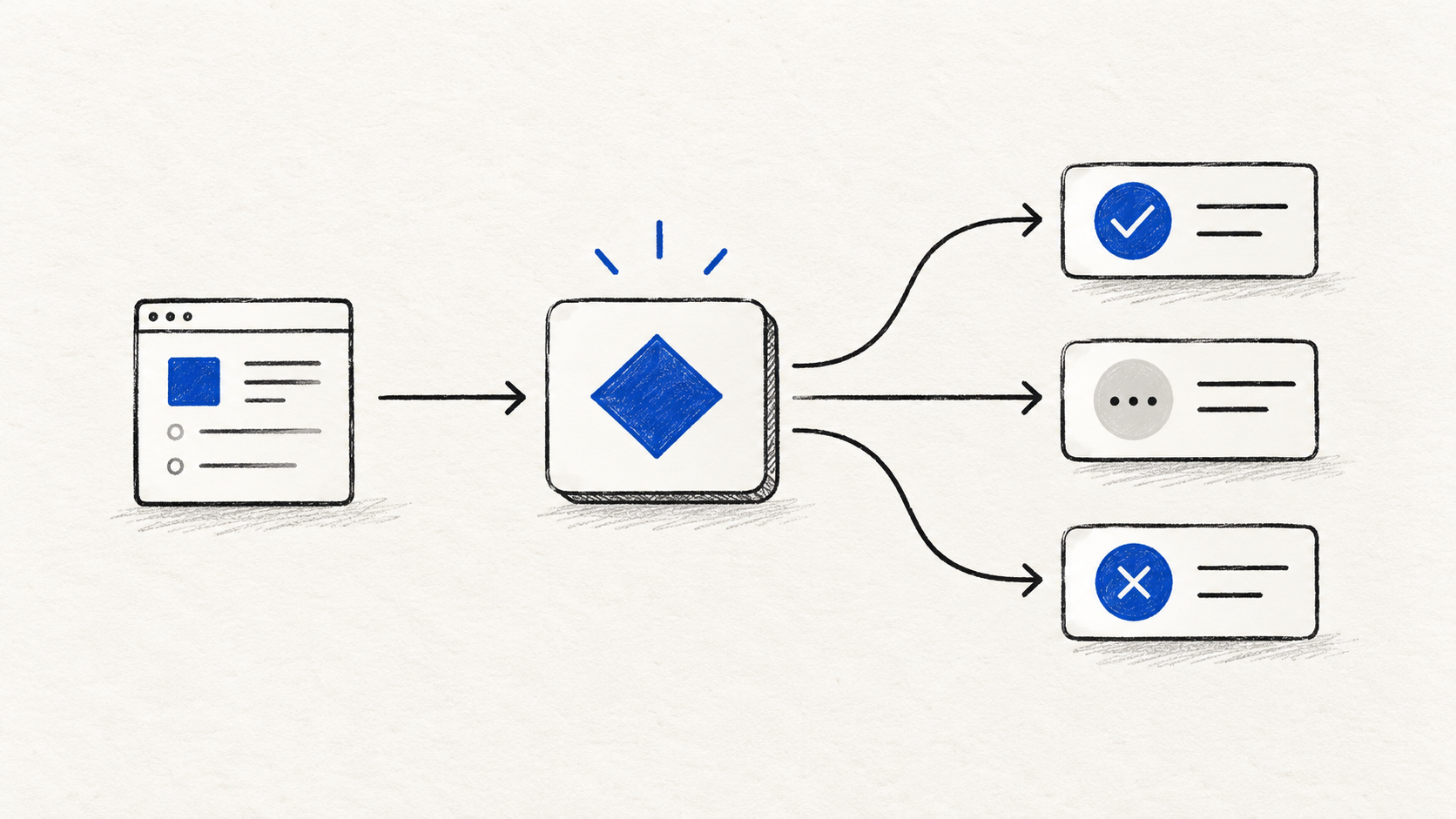
A practical Decisions API documentation guide with the REST request format, Choice, Score, and Noul questions, a support-routing example, and production safety patterns.
Oct 1, 2026 · 11 min read
AI APIs
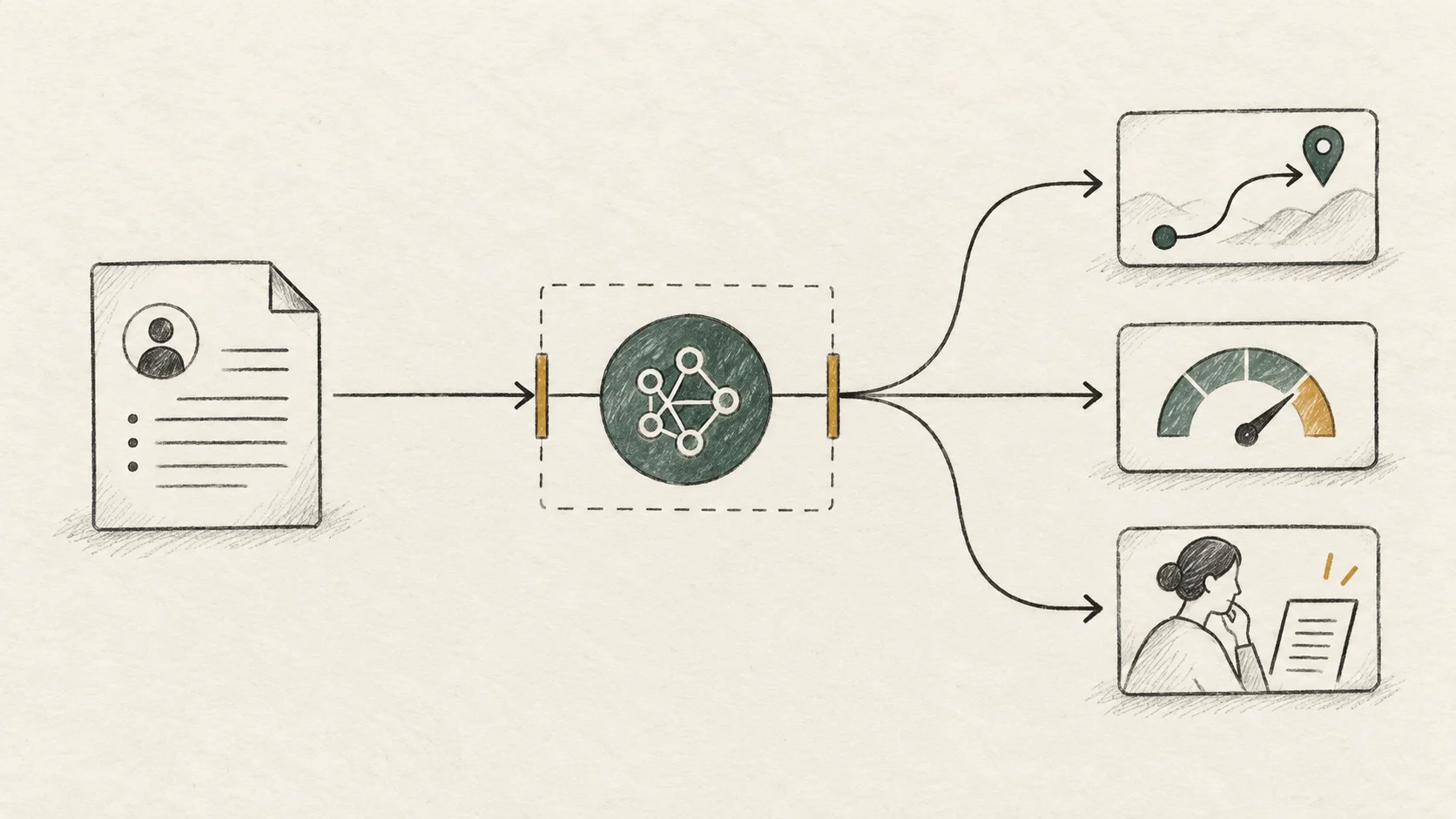
What is OpenAI Decisions API? Learn how bounded decision interfaces compare with chat, structured outputs, and function calling—and how to evaluate them safely.
Oct 1, 2026 · 12 min read

Developer Guide
Learn how to use Decisions API to turn text or structured state into typed Choice, Score, and Noul answers that your application can route, review, and act on safely.
Oct 1, 2026 · 11 min read
Learn how multiple decision models, credits, structured outputs, and API integration work.