
01
Collect realistic inputs
Choose messages and records from the workflow, including short requests, missing context, and ambiguous examples.
state = ticket.textDecisionsApi · Focused questions. Predefined answers.
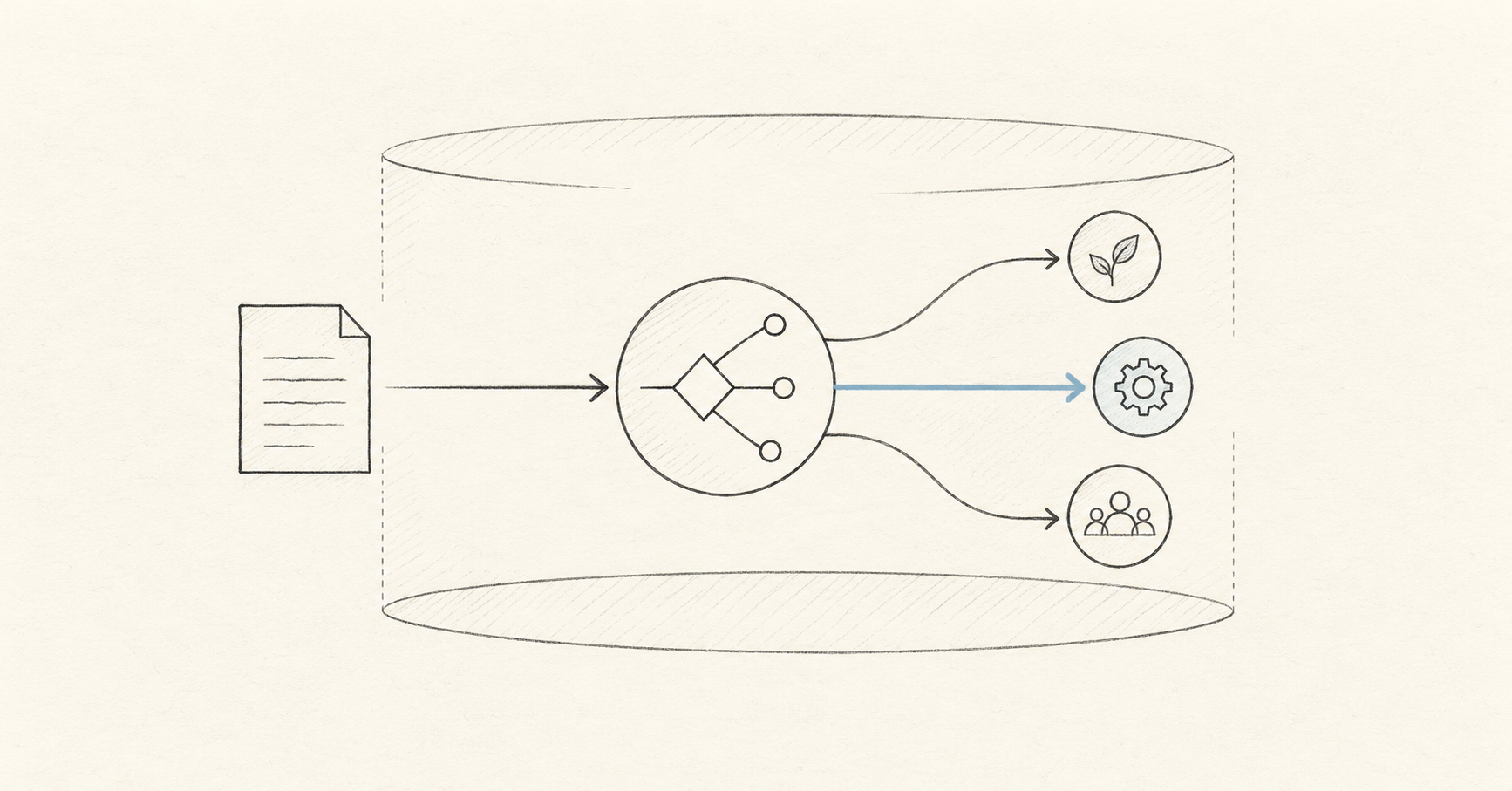
OpenAI's Decisions API uses Luna's capabilities to answer your questions by choosing from a finite set of predefined answers. Its announcement describes text or image context for classification, request routing, and agent decisions. Explore the workflow here, then test the models supported by this independent platform.
Read OpenAI's official DevDay announcementThis platform's output example
Static illustrationCustomer message
“I was charged twice this morning. Please refund the duplicate payment today.”
One message → three useful decisions
Choice
Billing
Choose the support queue
Yes / no
96%
Signal for an urgent request
Score
2.8 / 3
Urgency on a defined 0–3 scale
Static illustration of this platform's decision format. These values are not a Luna response, a live result, or an accuracy benchmark.
01 / Try the workflow
Use your own text, define the answers you expect, and inspect the request and response. The workbench runs the models listed in its selector; this page does not provide a Luna demo.
Check the selected model and the workbench's current usage terms before running a request.
02 / Plan the evaluation
A useful comparison starts with a fixed task, clear labels, and representative inputs. Use the same criteria when assessing any model your account can access.
Choose messages and records from the workflow, including short requests, missing context, and ambiguous examples.
state = ticket.textWrite the allowed labels, scoring criteria, or yes-and-no rules before comparing model responses.
questions = { intent, urgent }Compare outputs against reviewed answers. Record errors, response time, and actual usage for each tested model.
answer = result.answers.routeDecide which results can trigger an action and which require more context or human review before deployment.
if result.urgent: escalate()03 / Choose a useful task
OpenAI's announcement highlights classification, request routing, and an agent's next action. Use these related scenarios to prepare a practical test set for your OpenAI Decisions API Luna model evaluation.
Define billing, technical, account, and other queues. Test messages that mention several issues and measure how often the intended queue is selected.
Compare record lookup, tool use, text generation, and human review. Include cases where a requested action lacks sufficient information or permission.
Pair a claim with a source passage and label it supported, contradicted, or undetermined. Keep missing evidence separate from a false claim.
04 / Choose the output
A clearly defined output makes results easier to compare and connect to code. Use the formats supported by your selected model; confirm any OpenAI model's output contract in its official documentation.
Set a small list of distinct options and describe where their boundaries fall. Include an other or review option when a case may not fit.
Describe each level of urgency, relevance, or completeness. Compare disagreements by level so a small difference is distinguishable from a serious error.
Define what yes and no mean, then inspect the returned probability on held-out examples before choosing an automation threshold.
From evaluation to implementation
This server-side example calls this platform's /v1/systemone endpoint with typesafe/jev-1.13. Use it to understand state, questions, authentication, and typed answers. For an OpenAI integration, obtain the model ID and request format from the official documentation for your accessible model.
Read this platform's API docsPOST /v1/systemone · this platform
JavaScript example · typesafe/jev-1.13 · not a Luna API request
const response = await fetch(
  "https://decisionapi.net/v1/systemone",
  {
    method: "POST",
    headers: {
      "Authorization": `Bearer ${DECISIONS_API_KEY}`,
      "Content-Type": "application/json"
    },
    body: JSON.stringify({
      model: "typesafe/jev-1.13",
      state: ticket,
      questions: { route: { type: "choice", criteria } }
    })
  }
);
05 / Understand the service
New users receive credits for testing, so you can create an account, load an example, review the budget, and run your first questions.
Use the same credit balance across the playground, API, and evaluation workflows. Credits from purchased packs do not expire.
Review request history and credit activity, and use request identifiers to connect API calls with their usage records.
These plans cover this platform's services and supported models. Choose a plan for your testing and integration needs; the amounts shown are not OpenAI Luna pricing.
A purchase here does not grant OpenAI model access. Check official OpenAI documentation and your OpenAI account for model availability, eligibility, and pricing.
Important: Decisions API is currently in limited testing
Decisions API is not fully open yet and is currently available only for a small-scale test. Access will be enabled in payment order, and we’ll notify you by email. In the meantime, you can use Jev AI and other Decision APIs.
Starter
Validate one real workflow, from the playground to your first API call
Pro
Connect classification, routing, and safety decisions to a production product
Enterprise
For multiple workspaces, team collaboration, and custom production integrations, with 10% extra credits
Compare on your own data
Start with the models available here, then apply the same reviewed test set to other models you can access. Track decision quality, response time, and actual cost without treating different providers' probability values as interchangeable.
Jev
Establish a baseline for choice, score, and yes–no tasks
Laya
Compare results using the same inputs and decision criteria
Kev, Solar, and Span
Add available models and inspect their supported question types
Recent blog posts
Product notes, technical details, and practical ways to use Jev.
AI APIs
Compare Decisions API vs Jev: platform and model differences, typed outputs, API integration, cost evaluation, and a practical checklist for choosing your stack.
Oct 3, 2026 · 11 min read

AI Models
Understand the OpenAI Decisions API Luna model, preview status, bounded decisions, routing contracts, evaluation, and a practical path to production.
Oct 3, 2026 · 12 min read

Developer Guide
Build a decision API OpenAI workflow with typed outputs, a REST example, evaluation metrics, and production controls. Understand the different API contracts.
Oct 3, 2026 · 11 min read
AI APIs
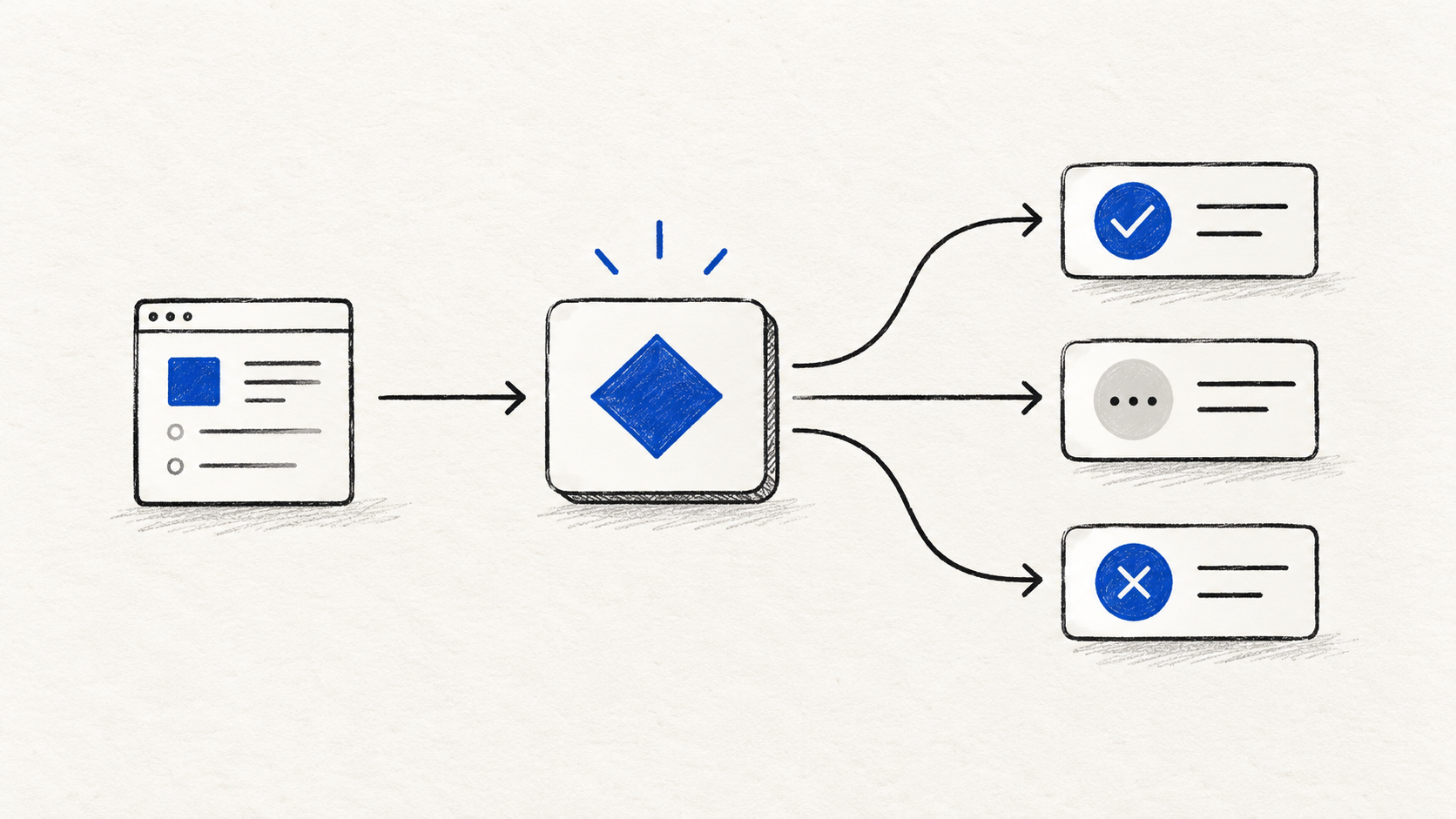
A practical Decisions API documentation guide with the REST request format, Choice, Score, and Noul questions, a support-routing example, and production safety patterns.
Oct 1, 2026 · 11 min read
Understand the announced capabilities, prepare a useful evaluation, and check which integration fits your workflow.