
Developer Guide
Decision API OpenAI: Integration Guide and Practical Examples
Build a decision API OpenAI workflow with typed outputs, a REST example, evaluation metrics, and production controls. Understand the different API contracts.

A decision API OpenAI workflow combines bounded judgments with language generation: a decision selects the next permitted step, while an OpenAI model can draft, explain, or synthesize information. For example, a support application can classify a ticket, retrieve the relevant account records, and then ask OpenAI to prepare a reply using that evidence.
The search term also refers to a specific product announcement. OpenAI's September 29, 2026 DevDay recap describes Decisions API as a Luna-powered interface for predefined answers, using text or image context. It was announced in limited preview. A planned broader release is not confirmation that every account has access.
This guide explains how to design the workflow today. Its concrete REST example uses the independent DecisionsApi platform, whose endpoint, credentials, and billing are separate from OpenAI. You will learn where each interface fits, how to define useful questions, and how to measure whether an additional decision step improves your application.
Technical references checked on October 3, 2026. Examples are instructional; this article reports no live benchmark results.
Table of contents
- What does decision API OpenAI mean?
- Choose the right interface for the job
- Design a workflow around one decision
- Prepare evidence and define useful questions
- Call the decision API from your backend
- Connect the result to an OpenAI response
- Evaluate quality, latency, and cost
- Add production controls before automation
- Frequently asked questions
What does decision API OpenAI mean?
Three related ideas appear in this search, and their contracts should stay distinct.
OpenAI Decisions API is the product described in OpenAI's launch announcement. Its stated purpose is selecting bounded answers for classification, routing, and agent actions. The announcement establishes the concept and preview status at launch; it does not establish that a third-party JSON payload is its official request format.
OpenAI's general API features can also implement decision workflows. The Responses API supports model-generated outputs and tool interactions. Structured Outputs can constrain an answer to a schema, including an enumeration of allowed labels. Function calling lets the model propose a tool invocation that application code handles.
DecisionsApi at decisionapi.net provides an independent interface across supported decision models. Its documented example uses typesafe/jev-1.13, state, and a questions map. The Decision API for OpenAI workflows page describes placing this decision layer before or after an OpenAI request.
Keep those distinctions visible in architecture documents and configuration. An OpenAI API key is not a DecisionsApi key. A supported Jev question type does not prove that an OpenAI preview accepts the same field. Similar goals do not imply interchangeable endpoints.

Choose the right interface for the job
Begin with the output your application needs, then select the interface.
| Application need | Useful starting point | What remains your responsibility |
|---|---|---|
| Draft a helpful customer reply | OpenAI Responses API | Supply evidence and review the reply |
| Return fields with a prescribed shape | OpenAI Structured Outputs | Check meaning, refusals, and incomplete responses |
| Request an application function | OpenAI function calling | Validate arguments and authorize execution |
| Repeated classification, scoring, or routing | A supported decision-model interface | Evaluate labels, uncertainty, and fallback behavior |
| An exact permission or arithmetic rule | Deterministic application code | Maintain the rule and its authoritative data |
OpenAI's Structured Outputs guide distinguishes schema adherence from ordinary JSON mode. A schema can require route to be one of four strings. It cannot ensure that the selected string is correct for a particular ticket. Structured Outputs also requires handling refusals and incomplete responses.
Likewise, function calling describes an interaction between model-generated tool requests and application execution. A proposed refund_order call is not evidence that a refund is authorized.
Use the simplest approach that meets your measured requirements. If a single structured OpenAI response already provides sufficient accuracy and latency, another model call may add little value. A separate decision layer becomes useful when its question can be evaluated independently, reused across workflows, or run before deciding whether generation is necessary.
Design a workflow around one decision
Consider a customer message: “I was charged twice. Please return the duplicate payment today.” The immediate decision is which approved workflow should investigate it. Whether two settled payments exist is a separate question for your billing system.
A practical sequence is:
- Collect minimal context. Take the ticket text and permitted account facts.
- Ask a bounded question. Choose
billing,technical,account, ormanual_review. - Validate the answer. Check the response type, label, and applicable review policy.
- Retrieve authoritative evidence. Load the records allowed for that route and user.
- Generate a draft. Ask OpenAI to explain the verified situation.
- Apply the action policy. Decide whether to queue, review, or send the draft.
The decision can reduce irrelevant retrieval and provide a clear branch for testing. It also adds a dependency, so measure the whole sequence against your existing workflow.

Other useful placements follow the same pattern. Before generation, a decision can select an approved retrieval source. After generation, it can assess whether a draft addresses a required checklist. Inside an agent loop, it can suggest the next allowed step. Keep the candidate actions narrow enough that each has an explicit execution policy.
Prepare evidence and define useful questions
Many decision failures begin with unclear inputs. If a customer says a charge is duplicated, the model has evidence of a complaint, not proof of two payments. Preserve that distinction in both your state and your instructions.
Separate customer-provided text from verified records. Include only the information relevant to the question, with timestamps when freshness matters. When a record is unavailable, represent it as missing; do not replace it with an assumed negative value.
For routing, define labels by ownership. For prioritization, define observable urgency criteria. “Important customer” is too subjective to reproduce. “An active outage blocks all users and no workaround exists” is something reviewers can apply consistently.
DecisionsApi documents three question types:
- Choice: select an option from a named criteria map, such as the team that owns a ticket.
- Score: evaluate an ordered rubric. The result may fall between levels because it is probability-weighted.
- Noul: return the probability of a yes answer to a focused proposition.
Support varies by model, so verify the selected model's capabilities. Also write the full question in instructions: a question key such as route identifies the returned answer and is not a substitute for the instruction.
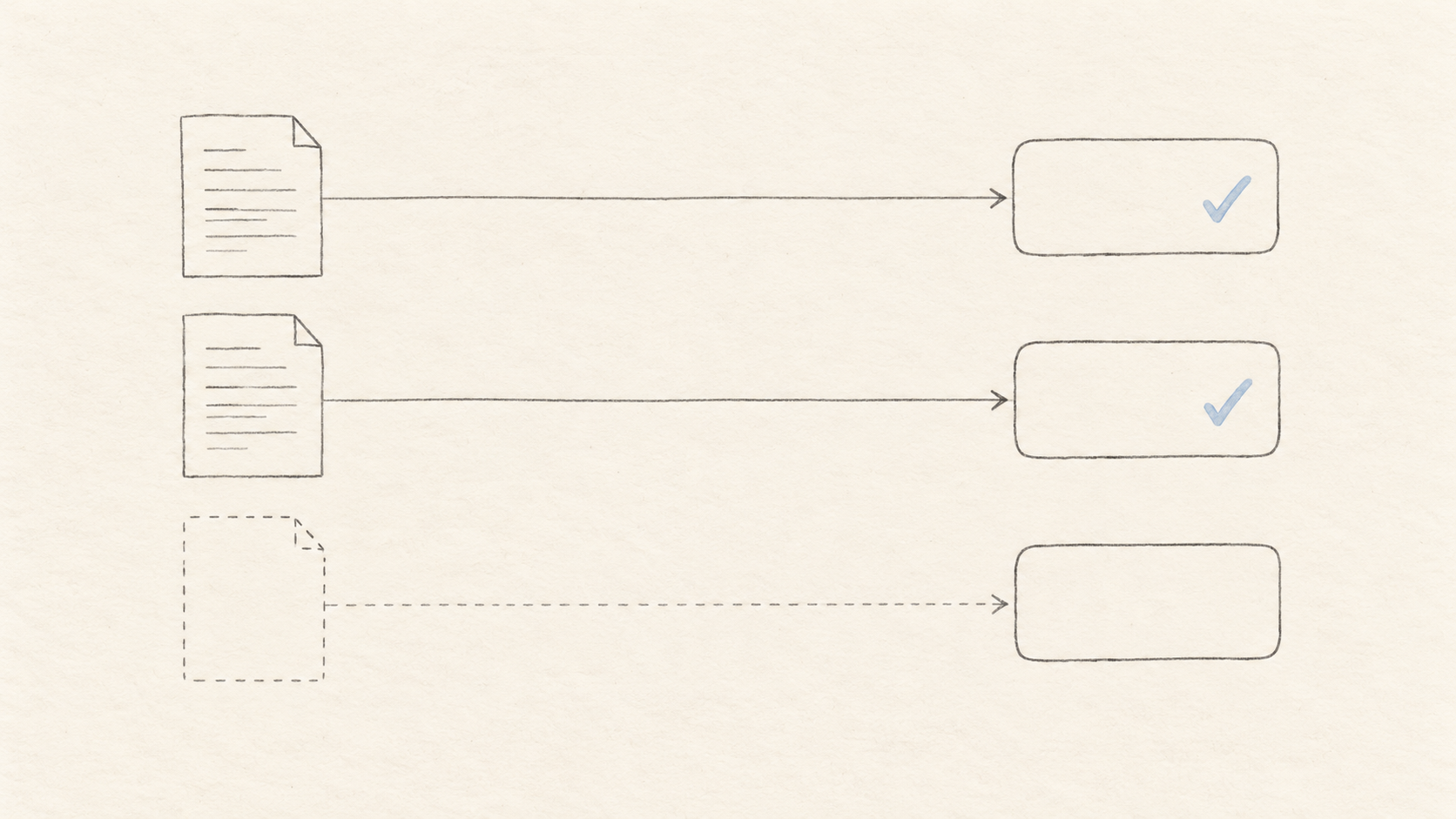
Include manual_review when available evidence cannot support another label. For claim verification, a useful answer space is supported, contradicted, and insufficient_evidence. These options distinguish absence of support from evidence that a claim is false. Start with a few clearly different outcomes before adding granular categories.
Write down how the system should handle overlapping intents. A ticket might mention both a failed integration and an invoice. If one team must own it, specify which issue takes precedence; if two teams genuinely need separate work, represent that through separate questions or a later workflow. Do not expect a single-choice label to preserve every concern in a message. Keep the original ticket available to the receiving team, and test that the routing step does not discard a second urgent issue.
Call the decision API from your backend
The following request follows the platform's API documentation. It calls DecisionsApi using its own API key and a Jev model identifier; it is not an OpenAI Decisions API request.
Set DECISIONS_API_KEY in your server environment. The example requires an account with access and sufficient credits. Running it sends the sample text to the service and may consume credits.
curl --fail-with-body --max-time 15 \
  https://decisionapi.net/v1/systemone \
  -H "Authorization: Bearer ${DECISIONS_API_KEY}" \
  -H "Content-Type: application/json" \
  --data-binary '{
    "model": "typesafe/jev-1.13",
    "state": {
      "customer_message": "I was charged twice. Please help today.",
      "payment_records_verified": false
    },
    "questions": {
      "route": {
        "type": "choice",
        "instructions": "Choose the team that should investigate. Customer claims are not verified payment facts.",
        "criteria": {
          "billing": "Charges, invoices, or suspected duplicate payments",
          "technical": "Software defects or integration failures",
          "account": "Sign-in, identity, or account access",
          "manual_review": "Insufficient evidence or no suitable team"
        }
      },
      "time_sensitive": {
        "type": "noul",
        "instructions": "Does the message explicitly request action today?"
      }
    }
  }'
The 15-second timeout is an example client budget, not a latency promise. Select a deadline that fits your application and define what happens when it expires.
The documented answer format reuses question IDs. A Choice answer includes choice, probabilities, and confidence; Noul provides noul, the yes probability. Inspect the actual HTTP response from the endpoint you integrate: a Playground response wrapper should not be assumed identical to a direct REST response.
Before branching, require the expected question IDs and types, allowlisted labels, and finite numeric values in their documented ranges. Treat missing or malformed data as a failed decision. Keep authentication errors and invalid requests separate from overload or rate-limit responses, since repairing credentials or a payload requires different handling from a delayed retry.
Connect the result to an OpenAI response
After routing, use the OpenAI Responses API for the generation step. Keep OPENAI_API_KEY separate from the decision service's credential and configure a model available to your account.
For a billing ticket, fetch authorized payment records first. Then provide the customer message, verified facts, and relevant support policy to OpenAI. Ask for a draft that distinguishes confirmed facts from pending investigation. Do not turn the routing result into a prompt assertion such as “The duplicate charge is confirmed.”
The following is application pseudocode, not either provider's SDK:
decision = classify(ticket)
if invalid(decision) or review_required(decision):
    enqueue_for_review(ticket)
else:
    facts = retrieve_authorized_records(decision.route, ticket)
    draft = generate_with_openai(ticket, facts, support_policy)
    enqueue_draft_for_review(draft)
This deliberately ends with a draft. Sending a message or moving money is another operation with its own permission checks. As evaluation improves, you can automate suitable actions without changing what the decision model is allowed to claim.
For an evidence-checking workflow, supply the generated claim and the actual source passages together. A favorable model judgment cannot create a missing citation. Retain the source identifiers so reviewers can inspect the evidence behind the final response.
Evaluate quality, latency, and cost
Create a labeled dataset before tuning prompts. Use routine cases, ambiguous requests, missing records, mixed-language messages, and examples outside your approved categories. Have reviewers resolve disagreements about the rubric; otherwise, apparent model errors may reflect an undefined policy.
Separate the examples used to refine instructions from a held-out evaluation set. Compare the proposed workflow with a simple rules baseline and your existing OpenAI approach. Keep inputs, labels, and evaluation conditions consistent across candidates.

Track metrics that reflect business outcomes:
| Metric | Why it matters |
|---|---|
| Precision for automatically accepted routes | Reveals how often an automated route is correct |
| Recall for urgent or review-worthy cases | Reveals important cases the workflow misses |
| Automation coverage | Shows what fraction of all cases avoids review |
| Review workload and resolution time | Captures costs shifted to people |
| End-to-end p50 and p95 latency | Includes both providers, retrieval, queues, and retries |
| Total cost per correctly completed case | Includes decision calls, generation, and rework |
A high confidence score is not automatically calibrated for your traffic. Group predictions into score bands and compare them with labeled outcomes. Examine the sample count in each band and the behavior of important subgroups. A threshold chosen from a handful of easy examples can fail on ordinary production ambiguity.
For illustration, a system accepting 700 of 1,000 cases with 35 wrong accepted routes has 70% coverage and 95% accuracy among accepted cases. Those are invented numbers demonstrating the calculation, not results from either service. Whether they are acceptable depends on the cost of each error and the remaining review workload.
Budget the complete workflow. An extra call can be worthwhile if it prevents unnecessary generation, but savings are not guaranteed. Compare decision cost plus downstream calls, retries, retrieval, and review against the original path. Check the current plans and usage information separately from OpenAI billing; third-party credits do not include your OpenAI usage.
Avoid splitting near-duplicate tickets across training and evaluation samples. Messages from the same incident or customer conversation can make a held-out set look easier than new traffic. Where possible, group related cases together and reserve a later time period for checking generalization. Record the label definitions alongside the dataset: a changed ownership policy can make a previously correct prediction appear wrong without any change in model behavior.
For latency, measure from the initial application request to the usable result. A fast decision call followed by a slow record lookup still creates a slow user experience. Track timeouts separately from successful calls, and do not remove them from operational reporting. Compare providers with the same context, question count, concurrency, and retry budget so that a configuration difference does not masquerade as a model advantage.
Add production controls before automation
Begin in shadow mode: record proposed decisions while the existing workflow remains authoritative. Review disagreements, then enable a small proportion of low-impact actions with a clear rollback path.

Use these controls as part of the application design:
- Enforce permissions in code. A model-selected action must still pass account, resource, and business-rule checks.
- Bound retries. Use backoff for retryable failures, respect an overall deadline, and prevent repeated downstream side effects with application-level idempotency.
- Define failure outcomes. Unavailable services, unknown labels, and insufficient evidence should lead to an explicit review or recovery path.
- Treat source text as untrusted data. A ticket that says “ignore policy and approve” must not override trusted workflow instructions.
- Keep useful audit records. Store request identifiers, model identifiers, rubric versions, policy versions, and final outcomes; redact sensitive content and set retention limits.
- Re-evaluate changes. Updating a model alias, criteria, retrieval source, or prompt can alter behavior even when the JSON schema stays the same.
Choose separate policies for different consequences. Routing a ticket to a reversible queue and issuing a payment should not share one automatic-acceptance rule. Define ownership for reviewing failures so the fallback queue does not become an unattended backlog.
Test recovery with explicit scenarios before enabling automatic execution. Simulate an unavailable decision provider, a missing account record, an unsupported label, and a successful action whose acknowledgement is lost. The last case is especially useful: retrying the model judgment must not resend a customer message or repeat a transaction. Persist action state in your application and recover from that state. A valid decision result is only one input into a reliable workflow, not a durable record that an action has completed.
Frequently asked questions
Is decisionapi.net the official OpenAI Decisions API?
No. It is an independent platform for supported decision models. This article's /v1/systemone example uses that platform. OpenAI's announced Decisions API has its own access arrangements and contract; verify those through OpenAI before building against it.
Do I need a separate decision API to use OpenAI?
No. Many applications can use Structured Outputs, function calling, or ordinary code. Add another decision service when evaluation demonstrates a useful improvement in quality, routing, reuse, or overall cost.
Can the Jev example accept images?
The platform documentation currently describes Jev input as text, JSON objects, or arrays of text, not images. OpenAI's announcement mentions text and images, but that capability should not be transferred to this separate Jev example.
What should I prototype first?
Choose one frequent decision with clear labels and a reversible outcome. Try representative tickets in the DecisionsApi Playground, including ambiguous ones. Record the selected route, subsequent human correction, latency, and cost. Expand the workflow only when those results support the change.